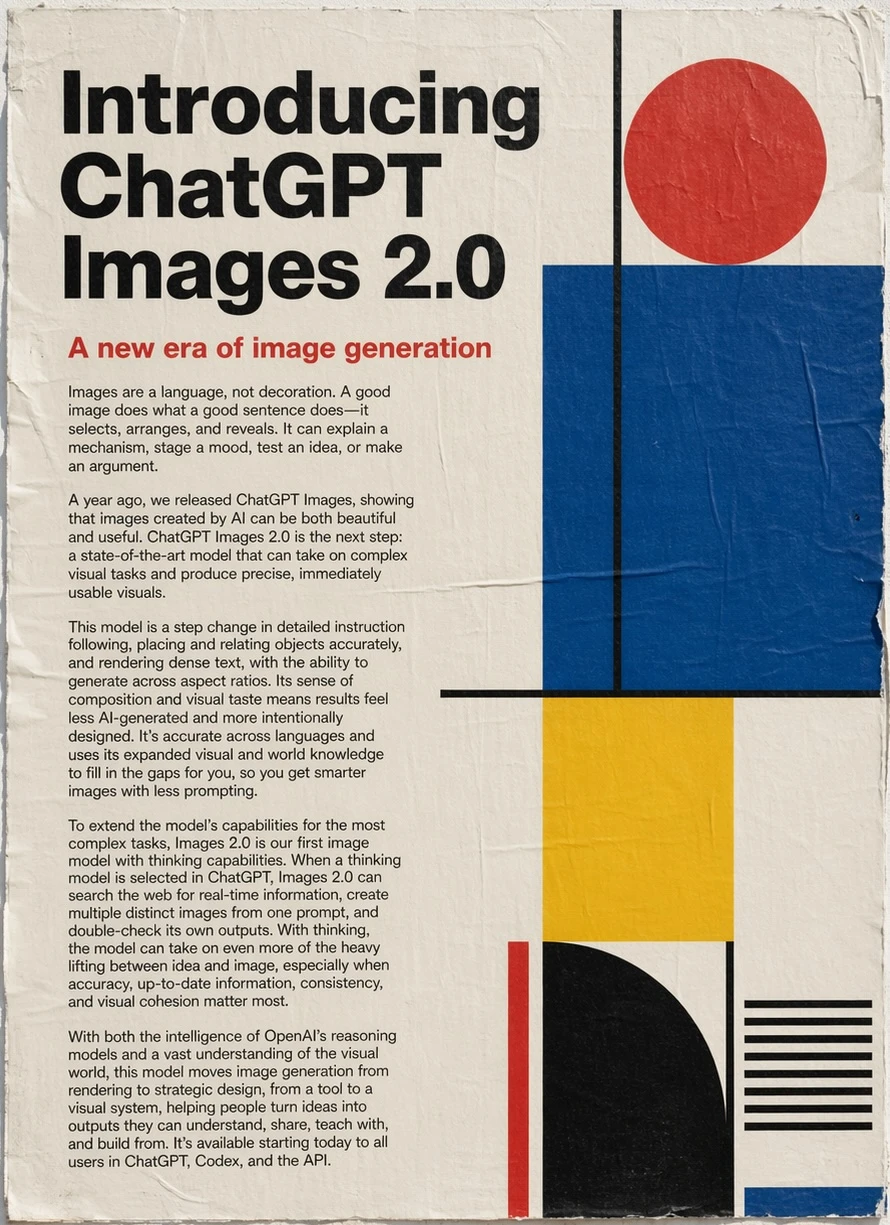
Editorial poster introducing a new era of image generation with bold geometric composition.
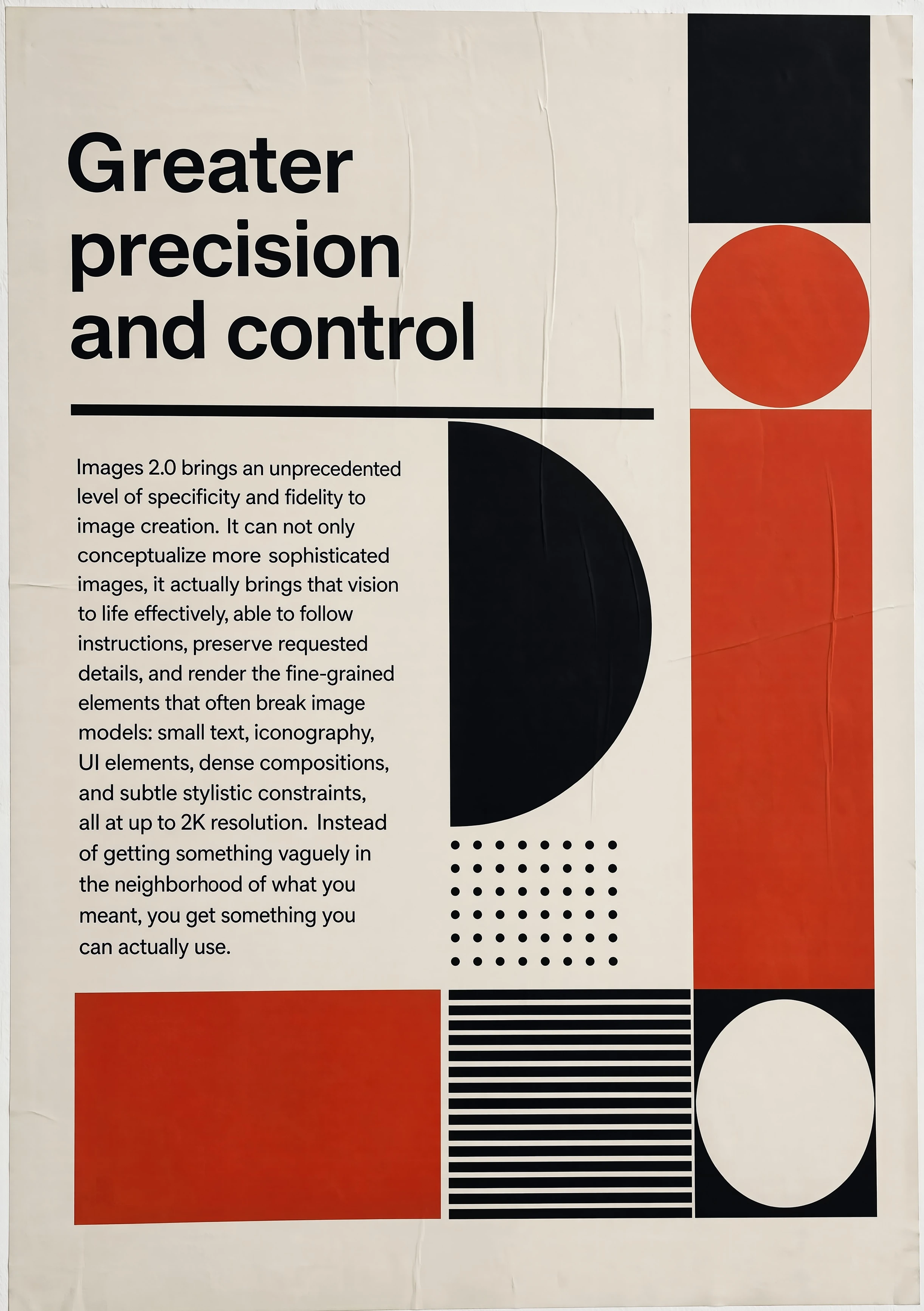
Minimal modernist poster about greater precision and control with clean typography and shapes.
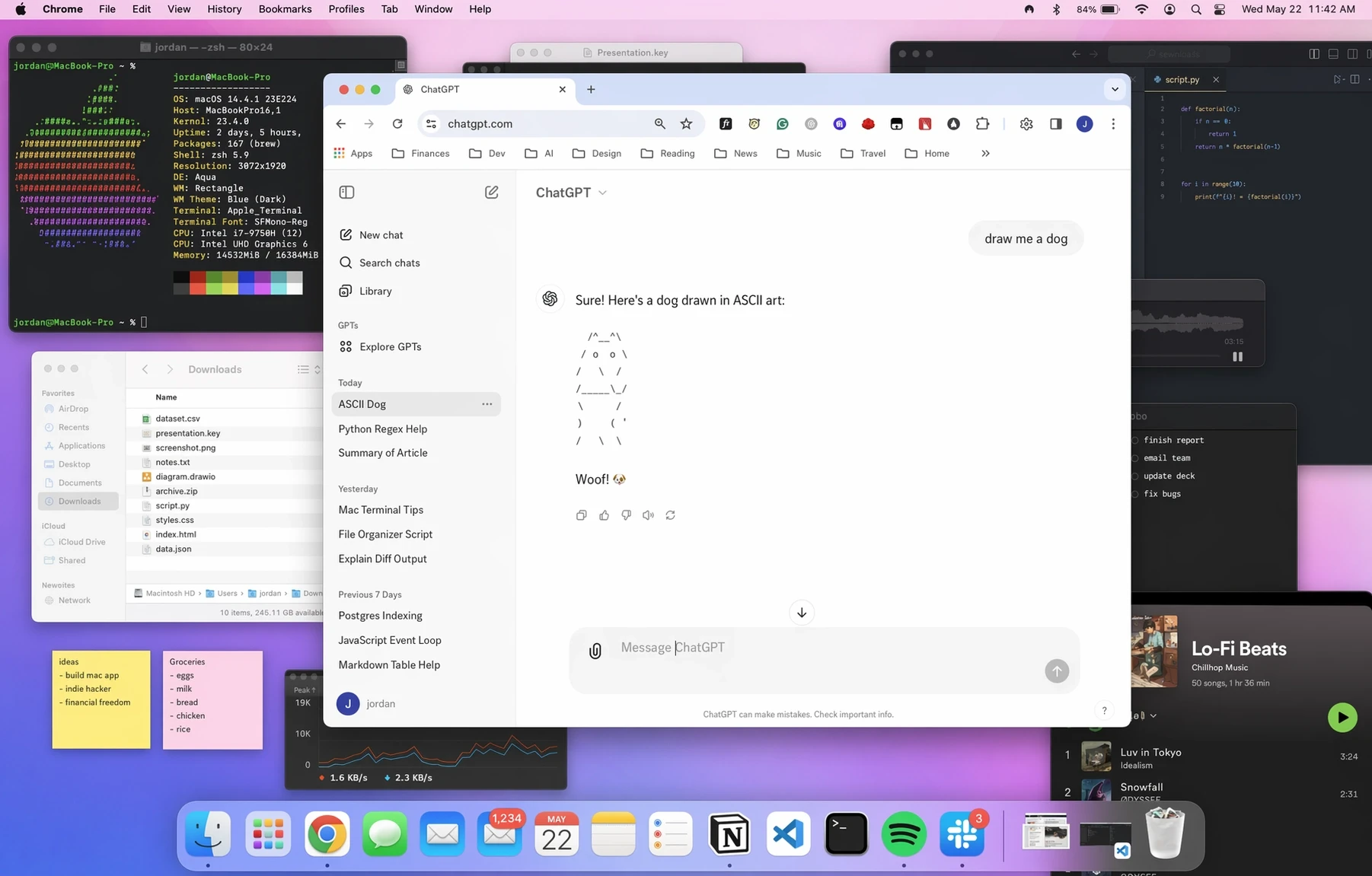
Detailed macOS desktop workspace with ChatGPT open, coding tools, files, notes, and productivity apps.
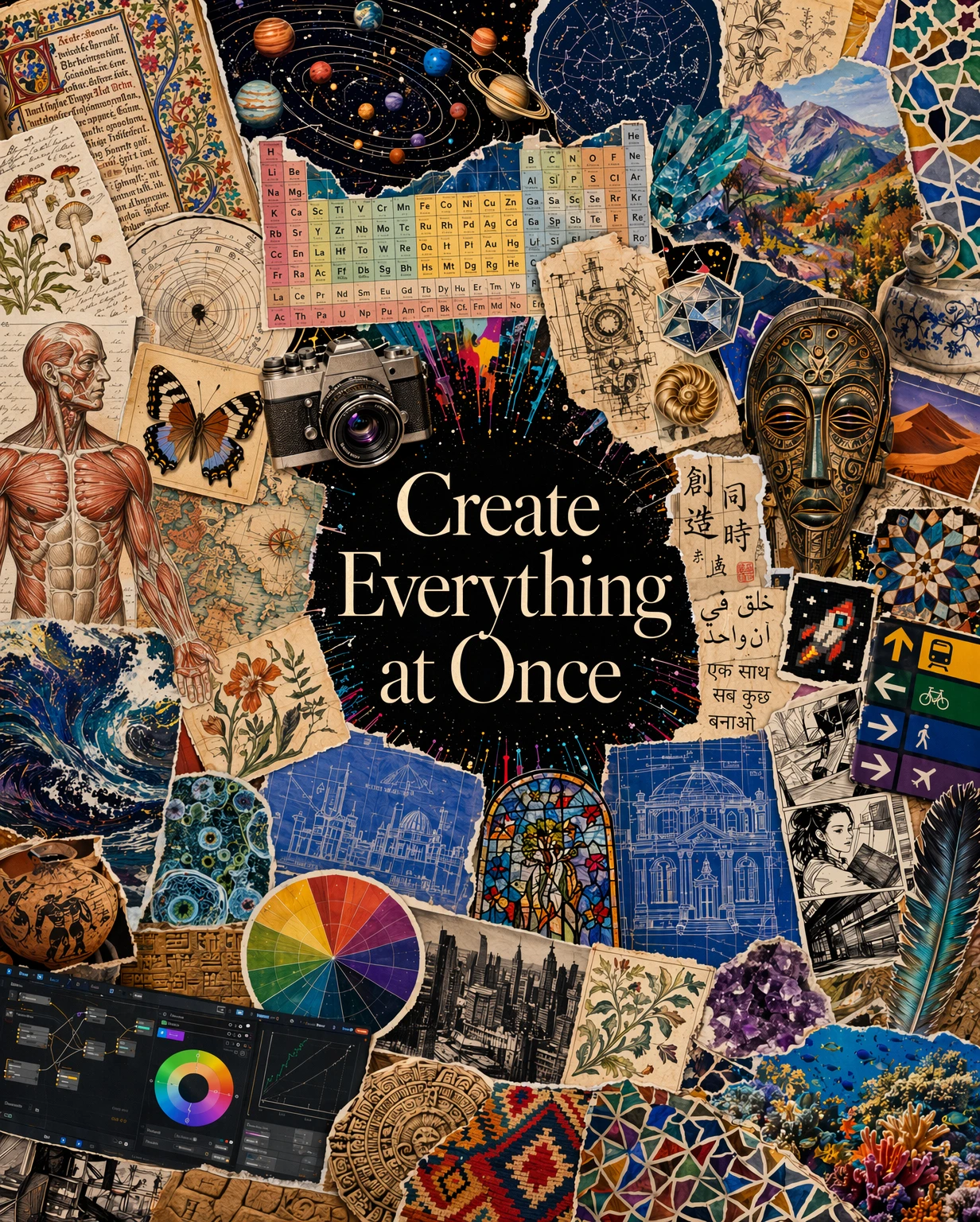
Rich collage poster mixing art, science, maps, symbols, architecture, and global culture around a central title.
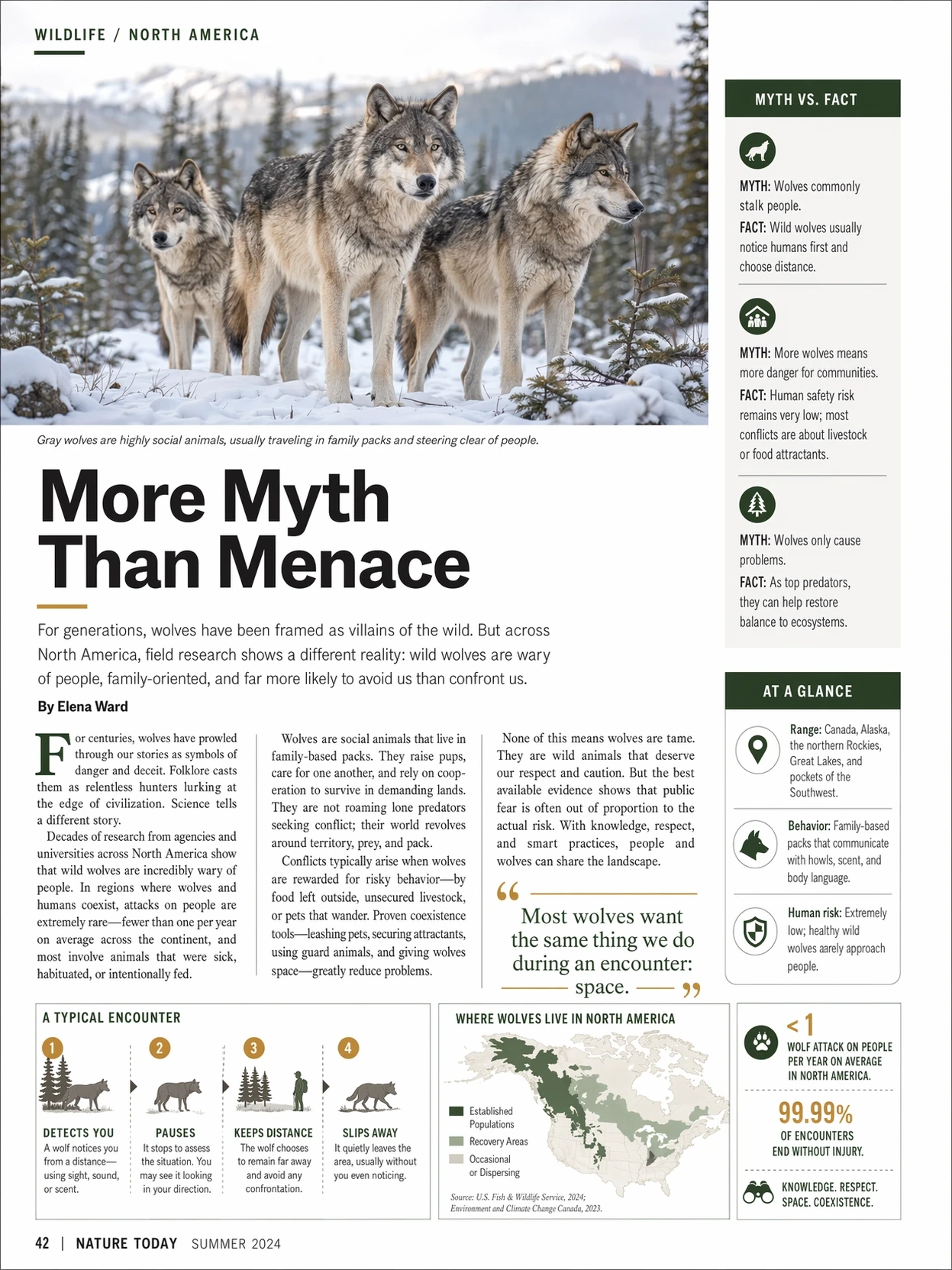
Magazine-style wildlife infographic spread about wolves with editorial headlines, callouts, maps, and statistics.
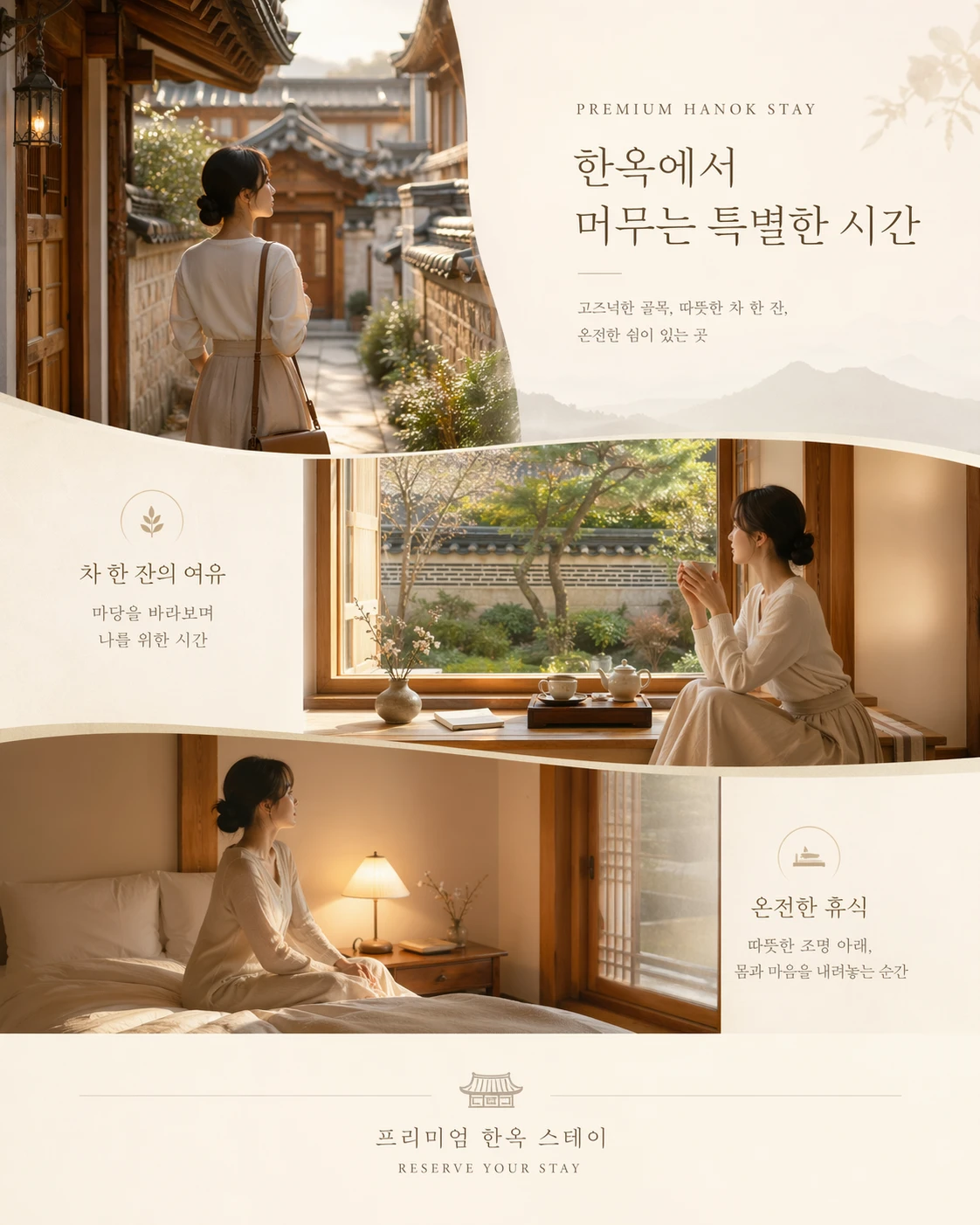
Premium hanok stay campaign layout with elegant Korean typography and warm lifestyle photography.
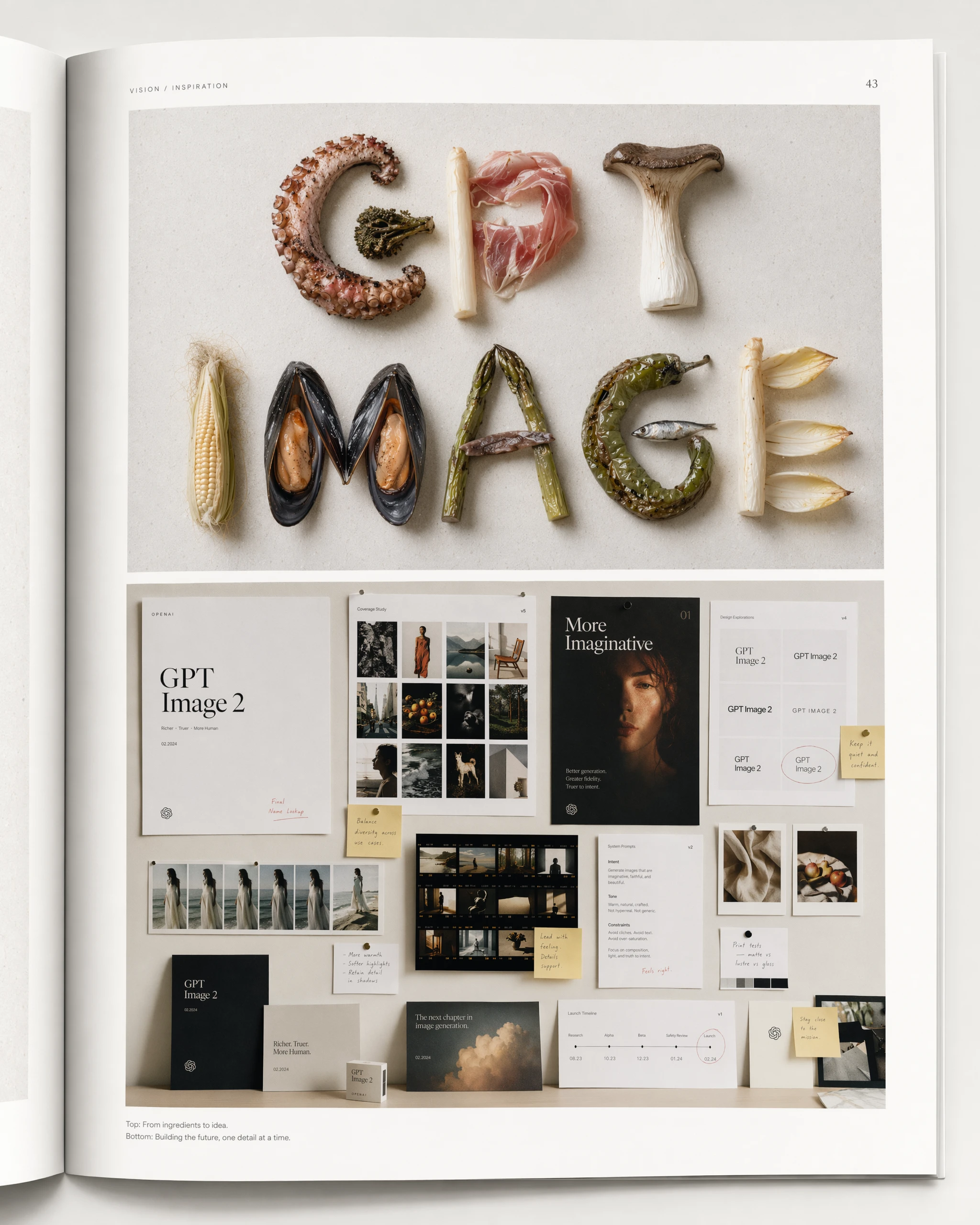
Editorial magazine spread spelling GPT IMAGE with ingredients above a refined brand mood board.
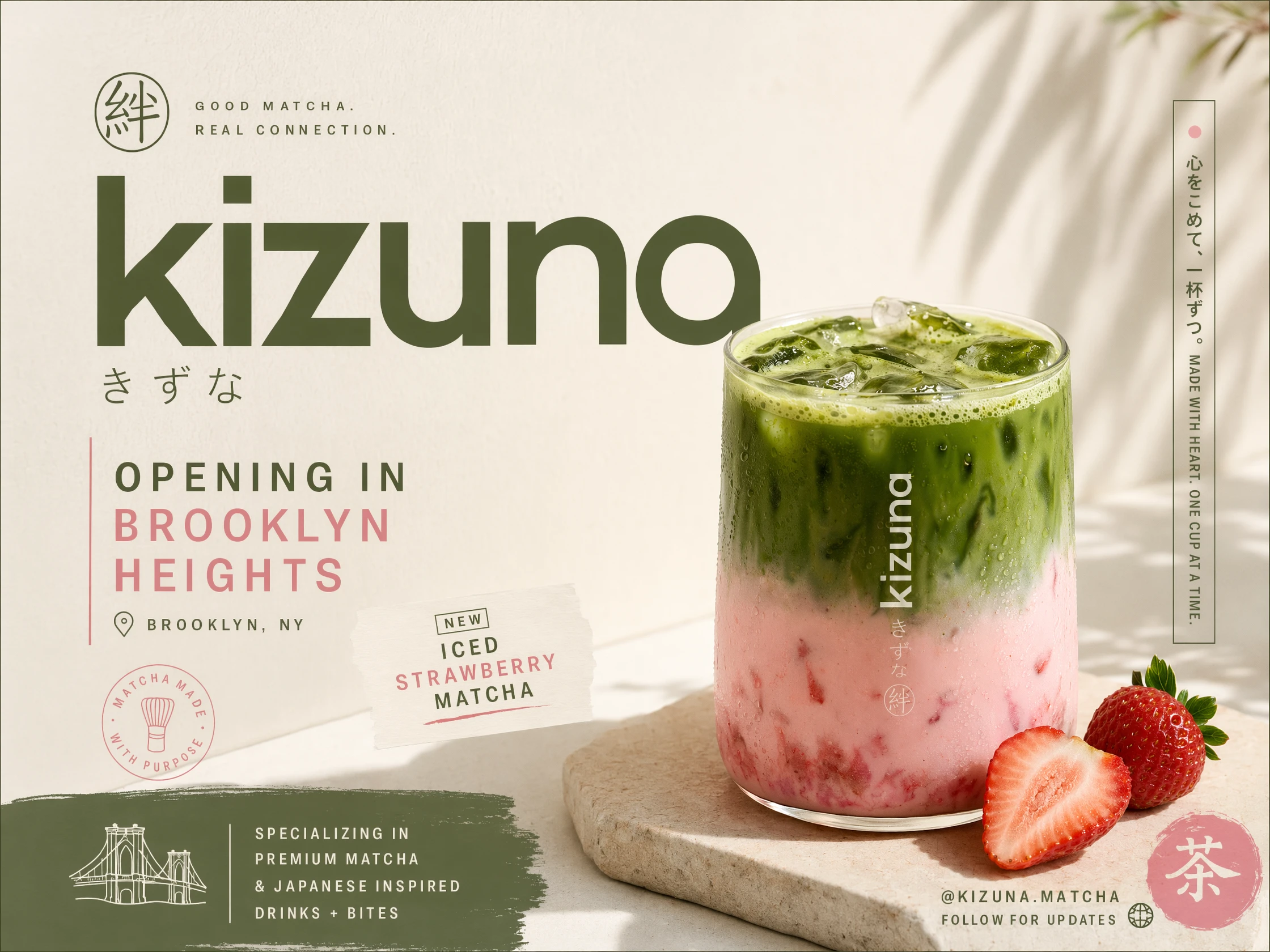
Cafe launch poster for an iced strawberry matcha drink with clean branding and product realism.
GPT Image 2 for image generation, editing, and consistent visual output
GPT Image 2 is an image model designed for teams and individual creators who need more than a one-click artwork demo. GPT Image 2 helps you move from prompt to usable visuals for product pages, ads, blog headers, app screenshots, social campaigns, presentations, concept boards, and internal design reviews. Instead of treating image generation as a disconnected experiment, GPT Image 2 supports a practical workflow for creating, refining, and reusing visual assets with clearer direction, faster iteration, and more dependable output quality.
What the GPT Image 2 model is built to do
The GPT Image 2 model is positioned as a practical visual production system for modern content work. GPT Image 2 can be used to create new images from text, revise existing images with clearer intent, and produce polished outputs for teams that need speed without giving up structure. That makes GPT Image 2 relevant for marketing design, ecommerce creative, interface mockups, editorial illustration, product storytelling, and day-to-day visual requests that usually bounce between multiple tools and rounds of manual cleanup.
Text-to-image for structured visual direction
GPT Image 2 turns detailed prompts into images that can reflect subject matter, composition, mood, color, and usage context, which is useful when a team needs to move from brief to first draft quickly.
Image editing for faster revision loops
GPT Image 2 can help adjust an existing image instead of restarting from zero, making it easier to update backgrounds, objects, layout emphasis, or campaign variations while preserving the original idea.
Text rendering and layout-aware visuals
GPT Image 2 is useful for workflows where an image needs readable labels, interface-like composition, poster copy, or marketing text that fits naturally into the visual rather than feeling added later.
Why teams choose GPT Image 2 for image workflows
GPT Image 2 shortens the path between an idea and a usable design asset. Rather than treating prompts, edits, formatting needs, and variant production as separate problems, GPT Image 2 gives teams a more unified image workflow that is easier to review, repeat, and adapt across channels. For organizations that publish often, the operational benefit is not only speed. GPT Image 2 also helps teams keep their visual decisions more stable from one asset to the next.
Create first drafts faster
GPT Image 2 helps marketers, founders, and designers test multiple directions in a shorter cycle, which is useful when campaign ideas, feature launches, or client requests need visual options quickly.
Keep style and messaging more consistent
GPT Image 2 makes it easier to reuse prompt patterns, image references, and editing instructions across assets, reducing the drift that often appears when visual work is produced under deadline pressure.
Produce more usable variants from one concept
A single GPT Image 2 workflow can support hero graphics, blog art, social crops, landing page visuals, promotional banners, and presentation images without forcing teams to rebuild every asset manually.
Core GPT Image 2 capabilities
GPT Image 2 combines the image behaviors that most production teams actually need: strong prompt interpretation, revision support, cleaner text handling, and a workflow that can move from concept art to marketing assets. The GPT Image 2 model is therefore useful not only for isolated image experiments, but also for recurring design work where a team needs visuals that can survive review, revision, and repurposing.
Prompt-based image generation
GPT Image 2 can create new images from descriptive prompts that specify subject, environment, camera framing, style, color direction, and intended audience, making it easier to turn written ideas into visual drafts.
Reference-guided image editing
GPT Image 2 can revise existing assets or reference images when teams need to update details, improve composition, or adapt one approved direction into multiple new versions.
Readable text inside images
When a design needs callouts, labels, interface text, packaging copy, or poster headlines, GPT Image 2 is suitable for image tasks where text clarity matters as much as visual style.
Background and object control
GPT Image 2 supports workflows that need subject isolation, scene replacement, product emphasis, or selective object changes, which is helpful for ads, catalog assets, and landing page design.
Style range for brand and editorial use
The GPT Image 2 model can be directed toward product-realistic, illustrative, clean UI, campaign, or editorial looks, allowing a team to match the visual language of the destination channel more closely.
Fast iteration with reusable prompts
GPT Image 2 supports a repeatable loop of generate, compare, edit, and publish, which helps teams build internal prompt systems instead of solving the same visual problem from scratch each time.
GPT Image 2 frequently asked questions
These answers explain what GPT Image 2 is, how the GPT Image 2 model fits real image work, and why GPT Image 2 is useful for teams that need dependable visual production instead of one-off experiments.
What is GPT Image 2?
GPT Image 2 is an image model used for generating and refining visuals for marketing, product, editorial, and design workflows. GPT Image 2 is most useful when a team needs image output that can move through review and revision rather than stopping at the first draft.
Can GPT Image 2 create images from text prompts?
Yes. GPT Image 2 can generate images from detailed text instructions, which makes GPT Image 2 suitable for concept development, campaign graphics, article art, product scenes, presentation visuals, and many other image creation tasks.
Can GPT Image 2 edit existing images too?
Yes. GPT Image 2 can be used to modify an existing visual, update objects, adjust backgrounds, improve emphasis, or adapt an approved image into additional variations. That editing workflow is one of the reasons teams use GPT Image 2 in production settings.
Is GPT Image 2 useful for designs that include text?
GPT Image 2 is useful for images that need readable labels, poster text, interface-like elements, or product callouts. In those workflows, GPT Image 2 can help reduce the gap between image generation and layout-ready assets.
Who should use the GPT Image 2 model?
The GPT Image 2 model is relevant for marketers, ecommerce teams, founders, product designers, educators, editors, and content teams that need visuals regularly. GPT Image 2 is especially practical when one brief needs to become many assets across different channels.
How should teams get the most value from GPT Image 2?
Teams usually get the best results when they treat GPT Image 2 as a repeatable workflow: define a clear brief, generate options, refine the strongest version, save the prompt logic, and reuse that pattern for future assets. That process makes GPT Image 2 more effective over time.
Build a more repeatable image workflow with GPT Image 2
GPT Image 2 gives teams a clearer way to create, edit, and scale visual assets for websites, campaigns, product marketing, and editorial publishing. If you need a GPT Image 2 model workflow that supports both generation and revision, GPT Image 2 is built for that kind of practical image work.